IBAN QR Code Generator
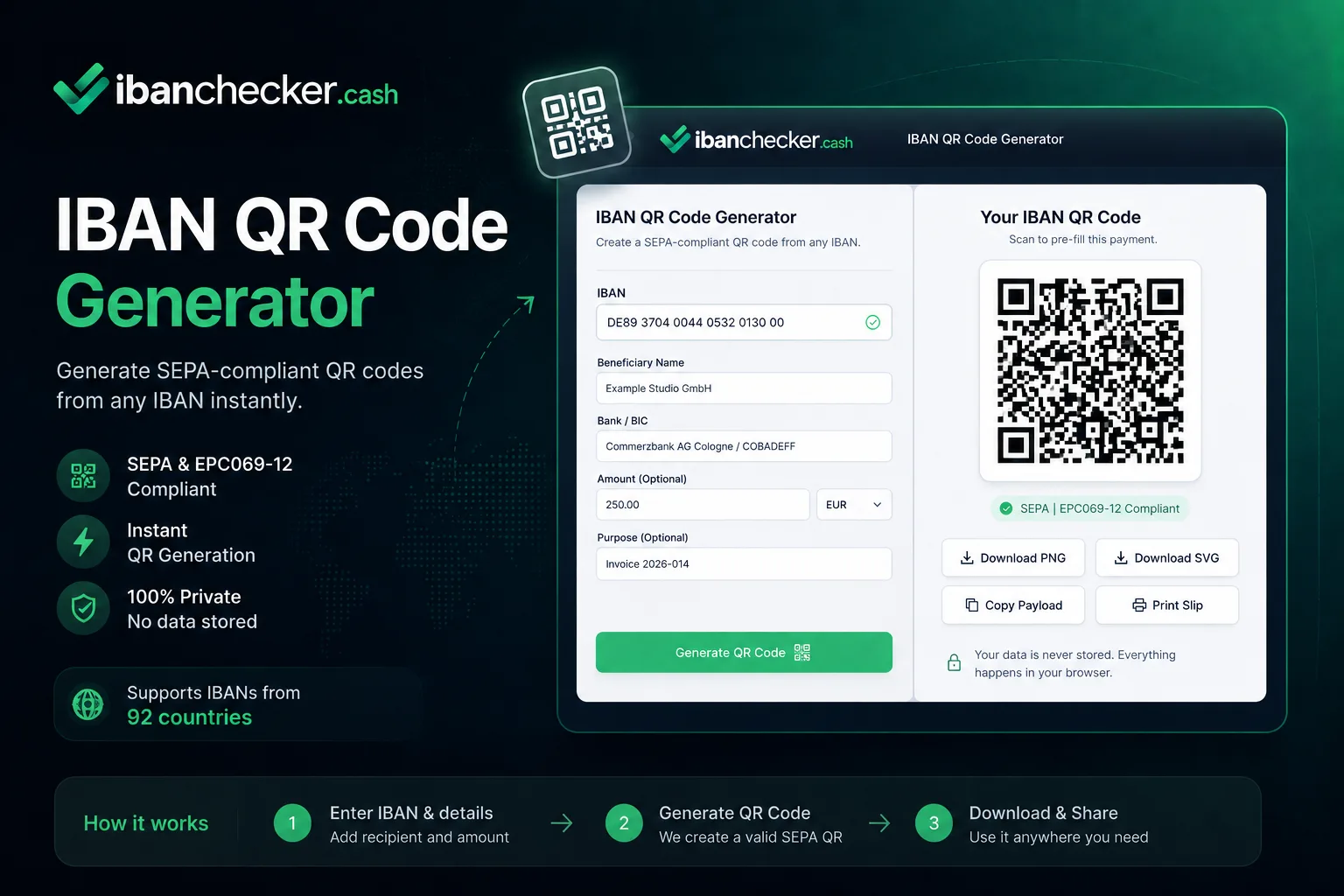
Enter any IBAN to generate a scannable QR code. Add a beneficiary, amount and reference to a SEPA IBAN for an EPC payment QR that banking apps scan to pre-fill a transfer. Download as SVG, high-resolution PNG, transparent PNG or PDF. Everything runs in your browser, so your IBAN is never stored.
Structure only. The corner patterns are identical in every QR code; the middle is your data.
Generated in your browser. Your IBAN is never uploaded.SecurityMethodology
Downloads unlock once you enter a valid IBAN.
Payment details
Optional. Add a payee, amount and reference to encode an EPC payment QR.
Appearance and output
Colour, logo and file size.
Contrast 99 percent, grade A on the ISO/IEC 15415 scale barcode verifiers use.
A solid background travels with the file, so the code keeps its quiet zone wherever you place it.Transparent applies to the SVG and PNG. PDF pages are always white. The quiet zone goes transparent too, so keep what sits behind the code light.
PNG or JPEG, up to 1 MB. An SVG without pixel dimensions exports blank, so SVG is not accepted. You can also drop a file here.
87 mm at 300 dpi
1024 px is 87 mm wide at 300 dpi, quiet zone included. SVG and PDF are vector and print at any size. This setting only changes the PNG.
Fixed by the standard, and why there are only four settings
Error correction M and the four module quiet zone are fixed by EPC069-12, and the quiet zone is already inside every file we produce.
The 0.4 mm module floor is from the Swiss QR-bill implementation guidelines (SIX). GS1 sets a comparable 0.396 mm minimum for retail scanning.
We ship colour, size and a centre mark. We do not ship module shapes, eye shapes or gradient fills, because a payment QR that fails to scan is a failed payment.
Appearance settings are remembered on this device. Payment data is never saved.
What Is an IBAN QR Code?
An IBAN QR code encodes a bank account number in a machine-readable format so that banking apps, payment terminals, and accounting software can scan it directly, eliminating manual entry errors.
Add a payee and this tool generates an EPC QR code following the European Payments Council standard. This richer format carries the payee's name next to the IBAN, and optionally the BIC, an amount and a remittance reference. Banking apps that support the standard scan it and pre-fill the transfer; banks are not required to support it, so it varies from bank to bank.
EPC QR vs Plain IBAN QR
- EPC QR (with a payee): Encodes the full payment initiation data (BCD header, BIC, beneficiary name, IBAN, optional amount and message). Read by the banking apps that support the standard.
- Plain IBAN QR (IBAN only): Encodes just the IBAN string, which is what the tool makes until you add a payee. Useful for sharing account details for manual entry, invoice attachments, and apps that scan plain text.
How Does an IBAN QR Code Become a Payment QR?
The code becomes an EPC payment QR the moment you add a beneficiary name to a SEPA IBAN, with an optional amount and payment reference. Until you name a payee, it stays a plain IBAN QR. The payment format follows the European Payments Council standard EPC069-12. For a field-by-field walkthrough of the standard, including the 331-byte limit and why the error correction level is fixed, read what is inside a SEPA payment QR code. The payment reference field above accepts free text. For a reference with a built-in check digit, the EPC QR code generator writes an ISO 11649 RF creditor reference into the element the standard reserves for it, and the RF creditor reference generator shows how its check digits are worked out.
Download Formats
- SVG: a true vector file that stays sharp at any size. Best for print and for editing in Adobe Illustrator, Inkscape or Figma. Supports a transparent background.
- PNG: a high-resolution raster image up to 2048px, large enough to print crisply on an invoice. Choose a transparent background for coloured layouts.
- PDF: a vector PDF with the IBAN and payment details printed below the code, ready to attach to an invoice or payment request.
- Clipboard: copy the QR image, the SVG markup, or the raw payload text to paste straight into a document, email or codebase.
Need an Adobe Illustrator file? Download the SVG or PDF. Both open directly in Illustrator as fully editable vector artwork, which is exactly what an .ai file would give you.
Phone cameras read coloured codes fine. Handheld scanners at a counter light the code in red and can read red, orange or yellow ink as blank, which is why a dark neutral is the safest ink for anything that will be scanned in person.
Common Use Cases
- Invoices: Add a QR code to PDF invoices so clients can scan and pay without typing account details.
- Payment request links: Include in emails or messaging apps to share your bank account for informal transfers.
- Point-of-sale: Print or display the QR for in-person bank transfer payments at markets, studios, or events.
- Accounting software: Some ERP and invoicing platforms can import payment details from EPC QR codes automatically.
Need to validate an IBAN before generating a QR? Use the main IBAN checker to confirm the account is valid and look up the bank name and BIC.
Holding a code someone else made? The payment QR decoder reads it back: every EPC element, the account it pays and the bank behind that account, decoded in your browser.
Frequently Asked Questions
What is an IBAN QR code?
An IBAN QR code encodes payment details (IBAN, amount, beneficiary name, payment reference) in a machine-readable format. When scanned, banking apps can pre-fill a payment form automatically, reducing errors and saving time.
What is the EPC QR code standard?
The EPC QR code standard (EPC069-12) defined by the European Payments Council encodes SEPA Credit Transfer details in a QR code. Banks are not required to support it, so support varies from bank to bank; it is widespread in Germany, Austria and Belgium.
Can I use IBAN QR codes for non-SEPA currencies?
The EPC payment QR is a SEPA format for euro transfers. Once you add a payee, the tool still builds one for an IBAN outside SEPA or for an amount in another currency, and tells you that banking apps may not recognise it. Without a payee it makes a plain IBAN QR, which carries only the IBAN as text.
Which formats can I download the QR code in?
You can download an SVG (scalable vector, ideal for print and editing in Illustrator, Inkscape or Figma), a high-resolution PNG up to 2048px, a transparent PNG for coloured invoices and letterheads, or a vector PDF. You can also copy the QR image, the SVG markup or the raw payload to your clipboard.
Can I add an amount and a payment reference?
Yes. Add the beneficiary name, which a payment QR requires, then an optional amount and a payment reference of up to 140 characters. They are encoded into the EPC QR, so the payer's banking app pre-fills the whole transfer.
How big should an IBAN QR code be when printed?
Big enough that each module stays at least 0.4 mm across, which is the minimum the Swiss QR-bill implementation guidelines set for printing; GS1 sets a comparable 0.396 mm for retail scanning. The generator shows the module count for your own code and the smallest width that keeps it above that floor. The four-module quiet zone required by ISO/IEC 18004 is already inside every file, so do not add another margin.
Do you offer a vector or Adobe Illustrator file?
Download the SVG or PDF. Both open directly in Adobe Illustrator, Inkscape and Figma as fully editable vector artwork. We do not output a proprietary .ai file because it cannot be created faithfully outside Adobe's own software; SVG and PDF give you the same editable vector result.
Is my IBAN stored when I generate a QR code?
No. The QR code is generated entirely in your browser. The IBAN and any payment details never leave your device and are not stored or logged on our servers.
Last updated: September 2026